Carousels on autopilot.
On brand, researched and packed with value. Kinoscale writes, checks, designs and captions your carousels every day, sized for every channel they go to.


skipratio Stop opening on your brand. Open on the conflict. One rewrite and one number to check in YouTube Studio.
01
Four things every carousel is.
The same production line as the videos, built for slides: one system that researches, writes and designs, and a director that reads every slide at phone size before it ships.
- 01
On autopilot
After the day’s videos, Autopilot picks the ideas that read best as slides and makes up to three carousels a day. They wait in your calendar, ready to post.
- 02
On brand
Your Look, colours, fonts, logo and voice on every slide. The same brand kit as your videos, so the feed reads as one channel.
- 03
Researched
Primary sources first, then every claim on every slide is checked. The source goes on the slide, in small type, where it belongs.
- 04
Packed with value
A hook that names the outcome, one idea per slide, the proof, the steps and the payoff. Worth saving, not just swiping past.
02
Built to be saved, slide by slide.
A real Skip Ratio carousel, made in Kinoscale. A hook that names the outcome, one idea per slide, proof with its source on the slide, steps to act on and a reason to save it.
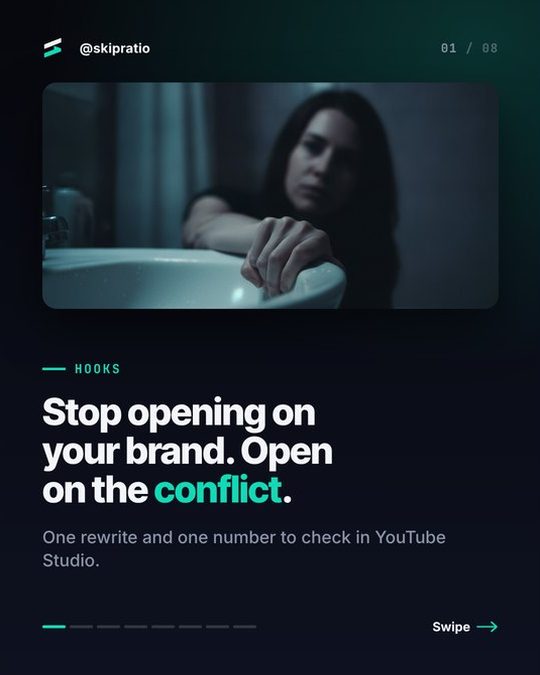 01Hook
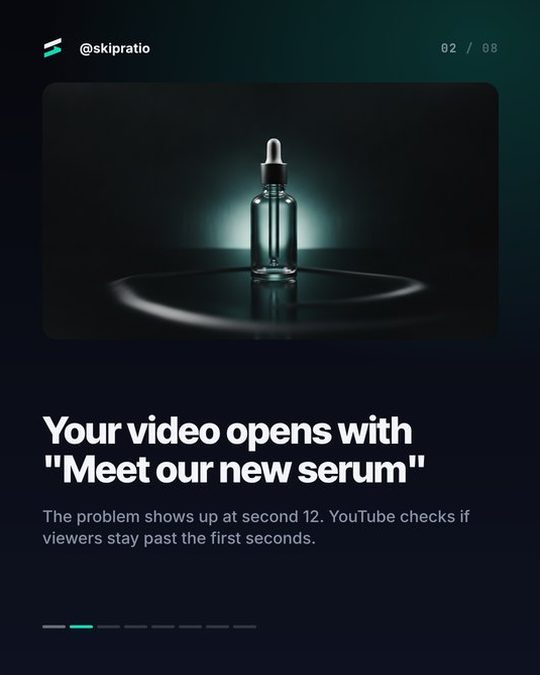 02The problem
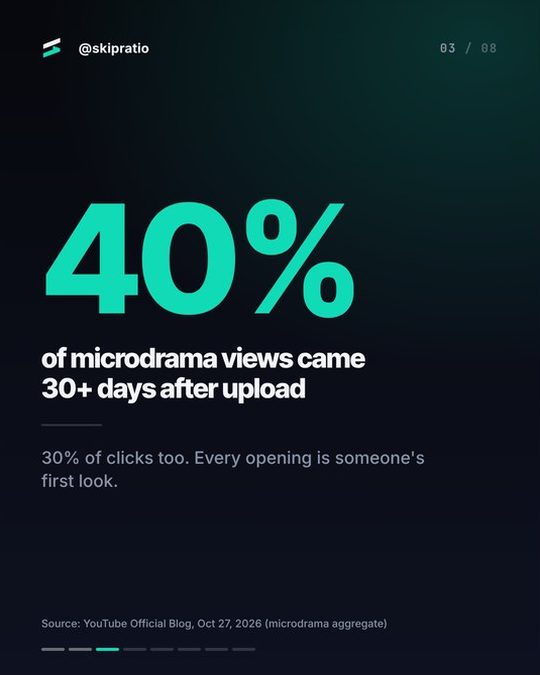 03The number
 04The quote
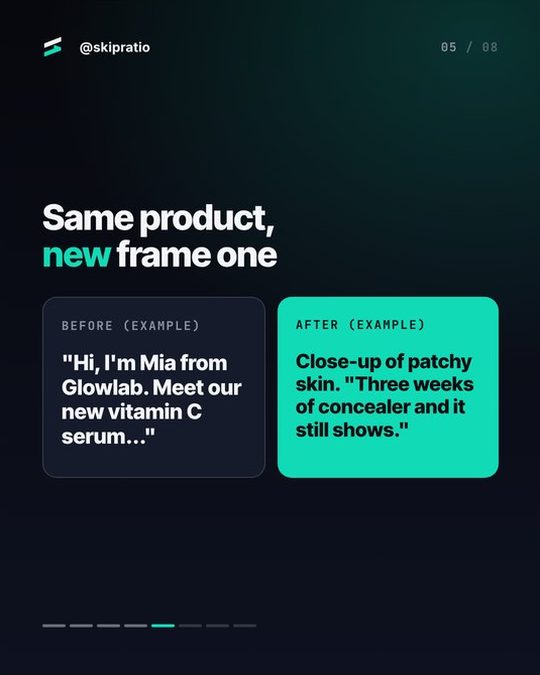 05Before / after
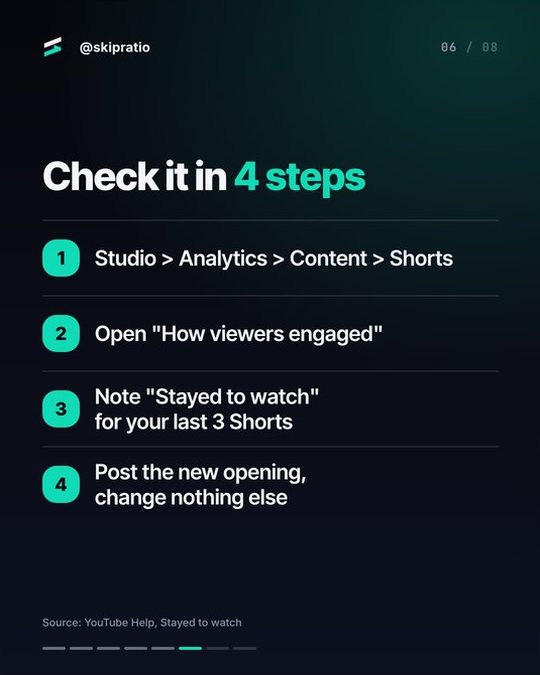 06The steps
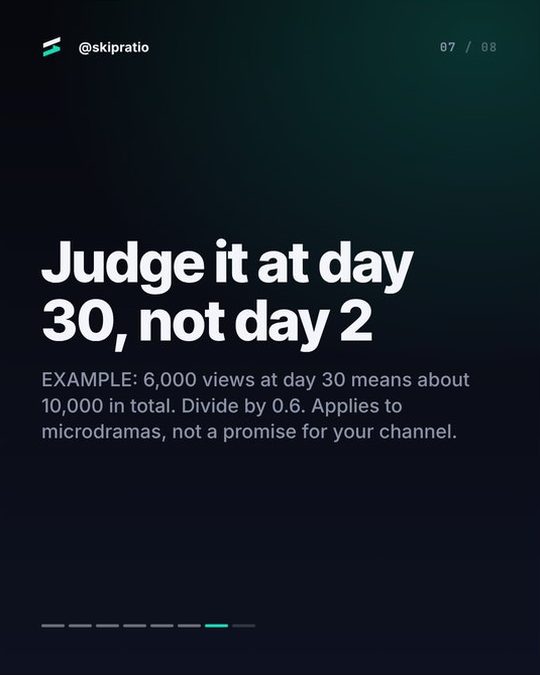 07The payoff
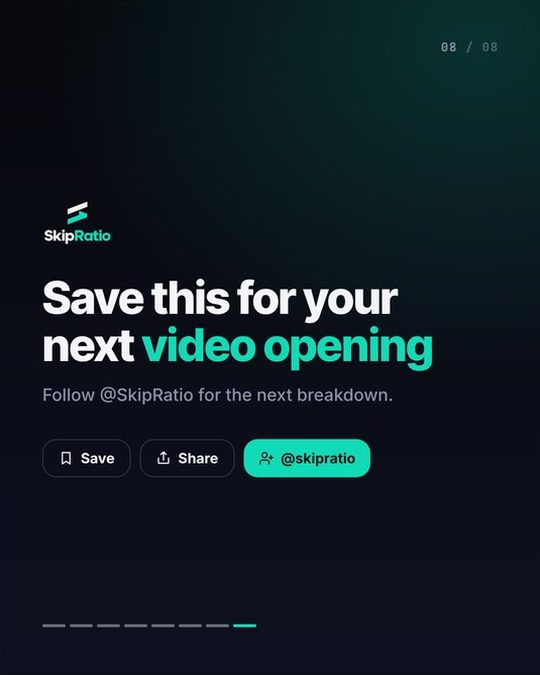 08Save & follow


03
Seven steps. No one has to do them.
Every carousel runs the same line, automatically. Autopilot starts it from the day’s best idea; you can start one from any topic or link.
- 01ResearchSources pulled for the topic, numbers, dates and names.
- 02Slide copyWritten in your voice: a hook slide, one idea per slide, a CTA.
- 03Fact-checkEvery claim on every slide checked against the sources.
- 04DesignA layout per slide in your Look: stat, steps, quote, compare, chart.
- 05PicturesGenerated or licensed stock, only where a slide needs one.
- 06DirectorReviewed at phone size: readability, flow, one idea per slide.
- 07CaptionsPer channel, with hashtags, alt text for every slide and the X thread.
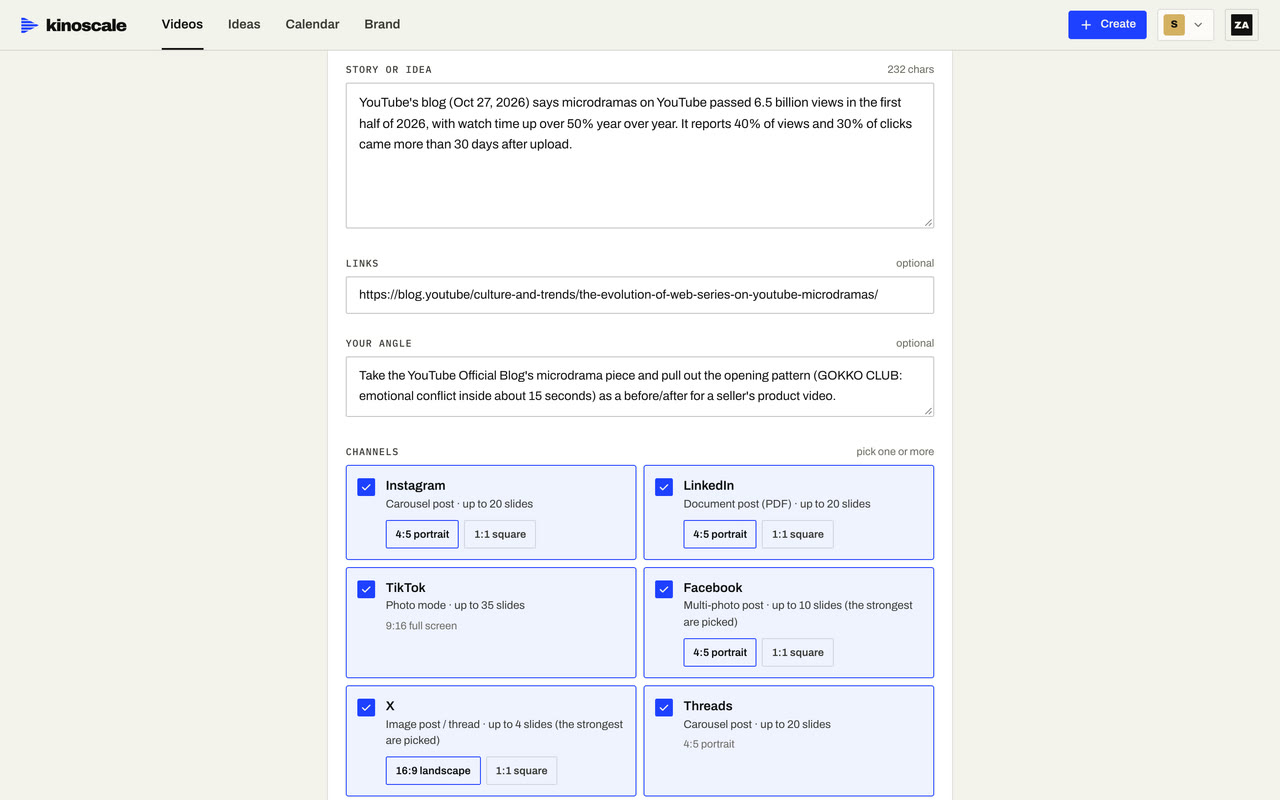 Step 01
A topic in.
A topic, a link or one of the scout’s ideas. Pick the channels it goes to.
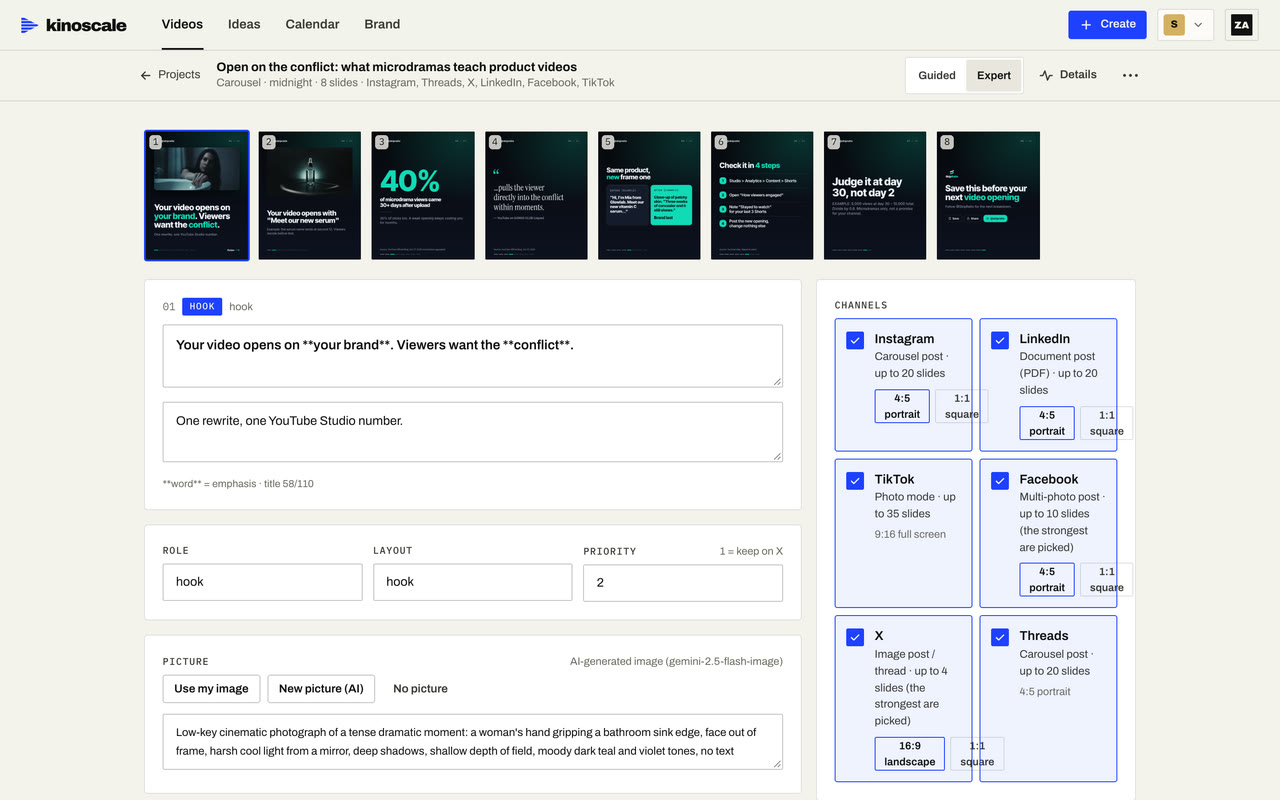 Step 02
Written, checked, designed.
Slide-by-slide copy with every claim checked, laid out in your Look with pictures generated or sourced, then reviewed slide by slide.
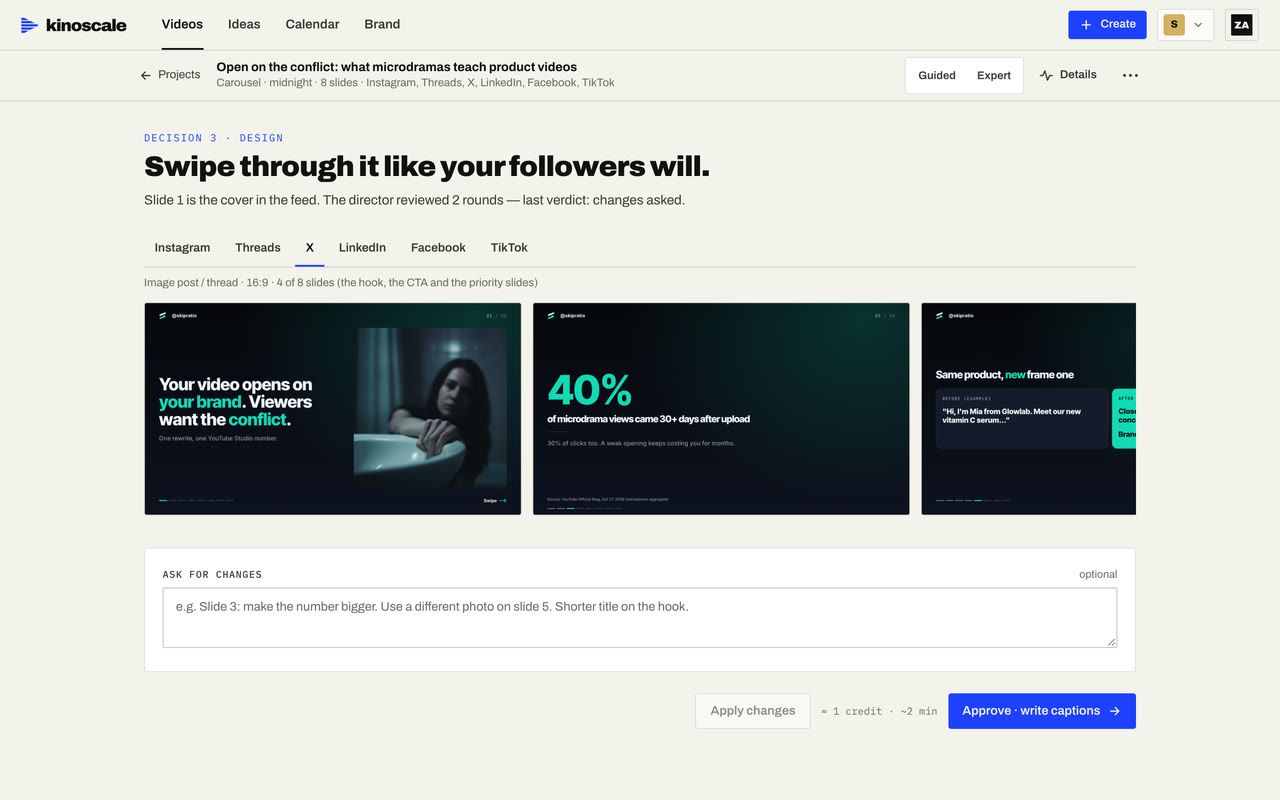 Step 03
Out in every size.
Each channel gets its own size, caption and hashtags: a PDF for LinkedIn, photo mode for TikTok, a thread for X.
04
Hands off, or hands on.
Pick per carousel. Ideas from the scout are automatic unless you ask for guided.
Automatic
Topic in, finished carousel out, in one run. The default, and what Autopilot uses.
Guided
Approve the copy, then the design, and redo any single slide before it ships.
One carousel, six channels.
- TikTok
- X
- Threads
05
Carousel questions.
Autopilot makes up to three a day per brand, after the day’s videos; you set the number from zero to three. You can make more by hand from any idea, topic or link.
Not yet. Finished carousels wait in the calendar with their captions, so you can add music in Instagram before posting. Posting or scheduling them is one tap.
Only slides that need a picture get one: generated for the story, or licensed stock with its credit kept. Stat, steps, quote and list slides are pure typography.
Yes. Write what to change and Kinoscale revises the carousel, or redo a single slide. In Guided mode you approve the copy before anything is designed.
About 8 credits on Growth and Studio, and never more than 16. On the Claude plan, carousels count toward the 50 a month.
Your strategy,on air.Every day.
We’re letting companies in one at a time. Leave your work email and we’ll send your invite: set up your brand, connect your channels and your first video is on its way.